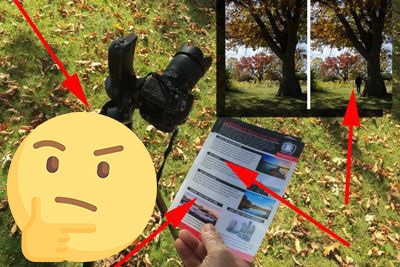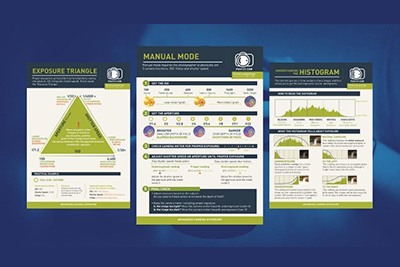
We asked photographer, Jason Row, to give us something fun for our followers. And, he came through for us.
Jason has put together an awesome video tutorial on how to stitch a panoramic image using Lightroom, Photoshop, or Photoshop Elements.
Panoramic images look like they could be difficult.
Jason gives you all these tips-
- What computer programs that you need. (You probably already own one.)
- Tips on how to create each separate photographic capture. (It’s not hard.)
- Advice on how to prepare the files. (Once you know how. You’ll be amazed at how simple it is.)
- How to clean up the image once it’s stitched. (That’s a super important part!)
Jason Row is a British born travel photographer now living in Ukraine. You can follow him on his Facebook page. He also maintains a portfolio of his work here.